Apple MLX Acceleration
Backend.AI GO supports local MLX inference through mlxcel-server and mlx-lm, with mlxcel-server as the preferred engine when it is available.
What Backend.AI GO uses today
Backend.AI GO no longer treats MLX as a future experiment or a Python sidecar you must wire up by hand.
- Preferred engine:
mlxcel-server - Fallback / legacy option:
mlx-lm, when present on the machine - Current mlxcel packages: macOS arm64 Metal, Linux arm64 CUDA13, Linux x64 CUDA13
- Primary model format:
mlx
The app resolves legacy safetensors aliases to the mlx format for local MLX serving. In practice, this means an MLX repository downloaded from Hugging Face is treated as an MLX model, and the resolver prefers mlxcel over mlx-lm when both are available.
Why mlxcel is preferred
mlxcel-server is the MLX engine Backend.AI GO actively integrates and version-gates.
- It is the engine the app prefers during automatic resolution.
- It exposes the MLX-specific settings that the current UI manages.
- It supports the capability probe the app uses before showing version-gated features.
- It is the path used for current MLX features such as speculative decoding and running a model across a cluster.
If mlx-lm is also installed, it remains a compatible legacy choice for MLX repositories, but it is not the first choice.
Supported platforms and packages
Backend.AI GO currently ships MLX-related engine support as:
- MLX LM:
mlxandgguf, macOS arm64 Metal - MLXcel:
mlx, macOS arm64 Metal, Linux arm64 CUDA13, Linux x64 CUDA13 - Windows: no current MLX engine package
Format compatibility: MLXcel serves mlx repositories. MLX LM can serve both mlx repositories and GGUF models on supported macOS systems.
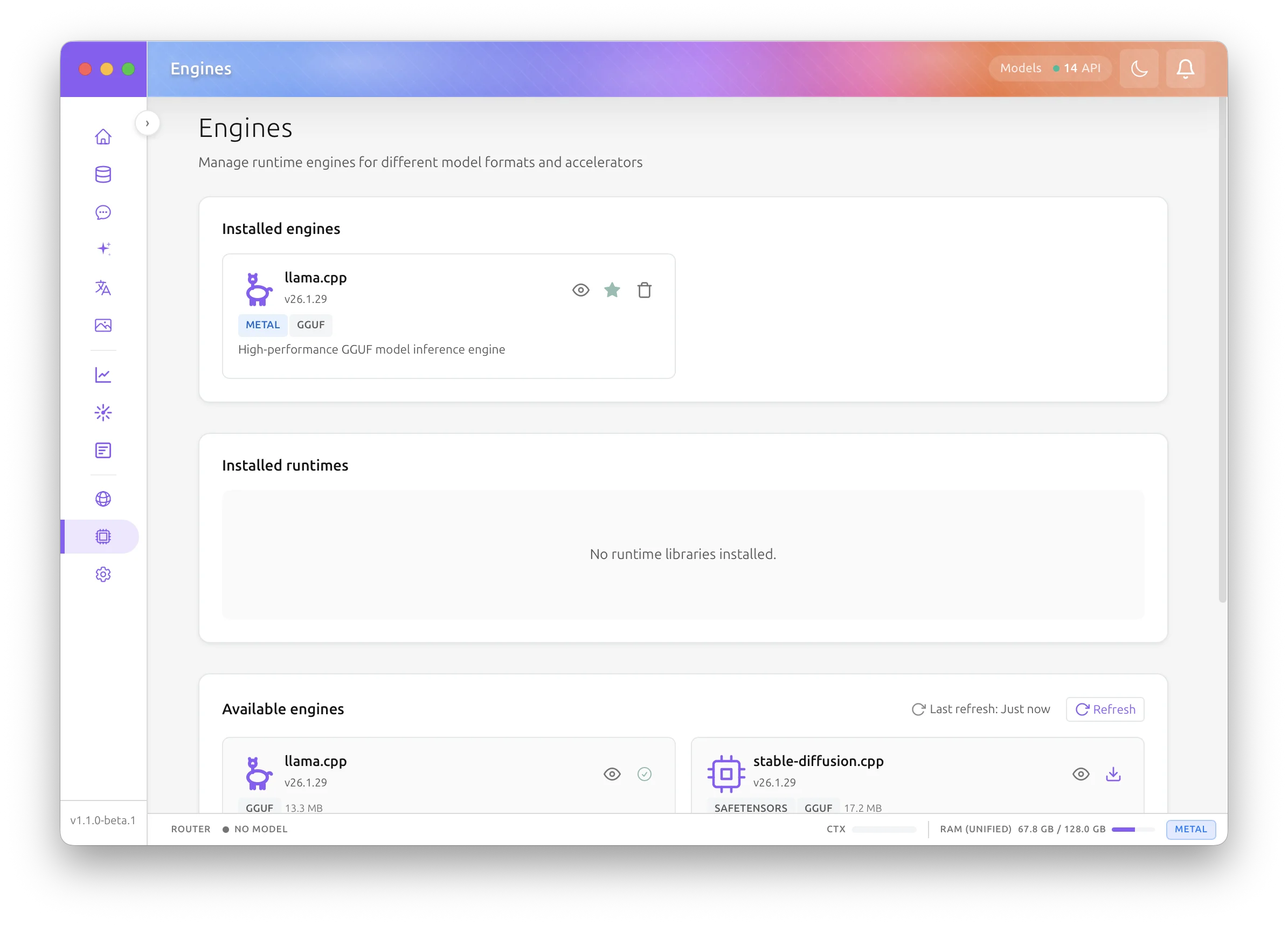
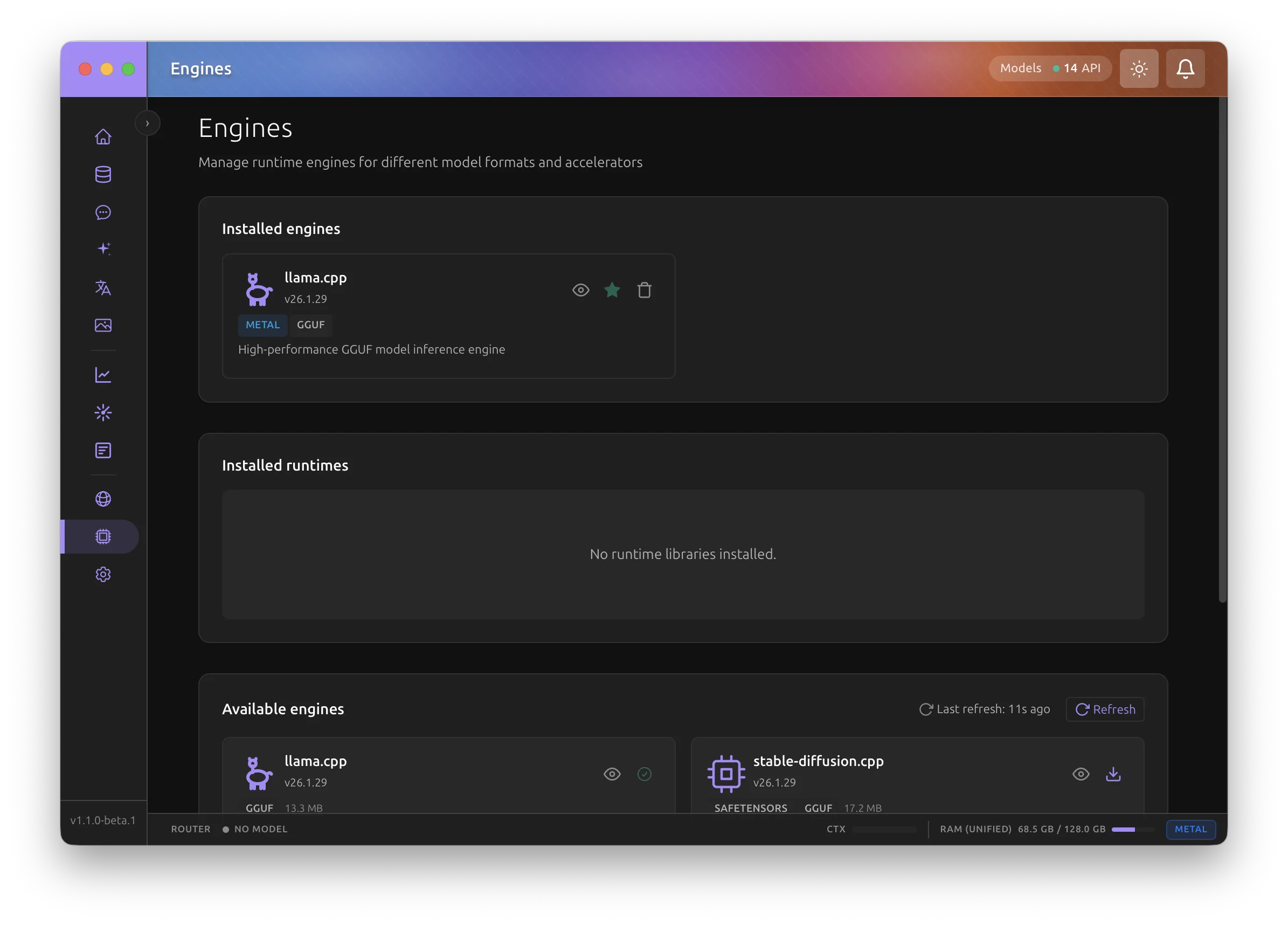
For the MLX path, look for mlxcel on the Engines page, and use mlx-lm only when you intentionally want the legacy engine.
MLX repository format
Backend.AI GO expects an MLX repository directory, usually downloaded from Hugging Face. Typical contents include:
config.jsontokenizer.jsonor tokenizer assets*.safetensorsweight shards- optional processor or multimodal assets
In the app this format is shown as mlx. Some older docs and metadata may still say safetensors, but the local MLX path uses the normalized mlx format name.
Install and select the engine
- Open Engines from the sidebar.
- Install mlxcel if it is not already installed.
- Open Settings > Models.
- In Default engines by format, set the
mlxdefault to mlxcel if you want to override another installed engine.
If you keep the default selection on automatic resolution, Backend.AI GO still prefers mlxcel when it is available.
Run and health lifecycle
When you run an MLX model, Backend.AI GO:
- Resolves the best installed engine for the
mlxformat. - Starts a local engine endpoint.
- Waits for readiness.
- Registers the running model so Chat, Sessions, and the Management API can use it.
If the process exits unexpectedly, Backend.AI GO tears the running model down and removes the stale route automatically.
To run models day to day, use Models > Local models for downloaded models and Models > Browse Hugging Face to fetch new MLX repositories.
App-level defaults and per-model settings
MLX behavior is configured in two places.
App-level defaults
Open Settings > Generation for defaults that apply before a specific model overrides them.
Relevant controls include:
- default engine by format lives under Settings > Models
- default reasoning effort
- container-engine defaults for non-MLX formats on the same machine
- MLX engine settings that apply globally when the engine supports them
Per-model MLX settings
Open Models > Local models, select an MLX model, and open its Model Config Drawer. Backend.AI GO exposes MLX-specific settings there only when the selected engine and installed mlxcel-server version support them.
Typical MLX-related controls include:
- context length and related runtime settings
- reasoning controls for models that support thinking
- MLX-only advanced options gated by detected
mlxcel-servercapabilities - speculative decoding options for compatible drafter models
The DRY repetition penalty and the context shift switch apply to MLX models as well. Context shift needs mlxcel-server 0.7.0 or later: an older engine refuses the option, so the app starts it without the option.
See Model Settings for the shared model-config concepts. On Apple Silicon, Tune on the Benchmark page measures the KV cache, the prefill chunk, and the decode batch on this Mac and writes the fastest values into these settings when you apply them (see Tune), and Tune settings automatically in Settings > Performance can try the prefill chunk while you are away (see Settings).
Capability and version gating
Backend.AI GO probes the installed mlxcel-server binary and enables newer flags only when the detected version supports them.
That protects current flows in two ways:
- older binaries do not receive unsupported flags
- the UI can hide or disable features that need a newer
mlxcel-server
The current capability surface includes version-gated support for items such as:
- KV-cache quantization
- paged attention features
- prompt cache and APC controls
- reasoning-budget support
- audio input support
- support for running across a cluster
If the probe is inconclusive, existing MLX flows continue to work, but version-gated features stay off.
Speculative decoding
mlxcel supports local speculative decoding with a drafter checkpoint.
- The drafter must be a local directory for MLX.
- Auto detection chooses the drafter kind from the checkpoint metadata.
- Backend.AI GO currently documents two validated families:
- MTP for Gemma 4 targets
- DFlash for Qwen 3.5 text and VLM targets
Configure this in the model's Speculative tab. If the drafter is incompatible, the engine falls back to classic decoding.
Multi-node pipeline serving
Backend.AI GO also uses mlxcel to run one MLX model across a cluster of hosts with pipeline parallelism.
- Plan the cluster in Pipeline-Parallel Planning.
- Launch and operate the cluster in Pipeline Serving.
Running an MLX model across a cluster is version-gated through the mlxcel-server capability probe, so the option appears only when the installed binary is new enough.
When to choose MLX
Choose MLX when:
- the model is available as an MLX repository
- you want the current MLX-specific features Backend.AI GO exposes through
mlxcel - you are on Apple Silicon and want the native Metal path, or on Linux with a supported CUDA13
mlxcelpackage
Choose GGUF and llama.cpp when:
- you need the broadest cross-platform parity, including Windows
- you need a GGUF-only quantization
For a broader comparison of available engines, see Acceleration Overview and Engine Management.