Cloud AI Integration
Backend.AI GO allows you to mix and match local models with cloud-based APIs.
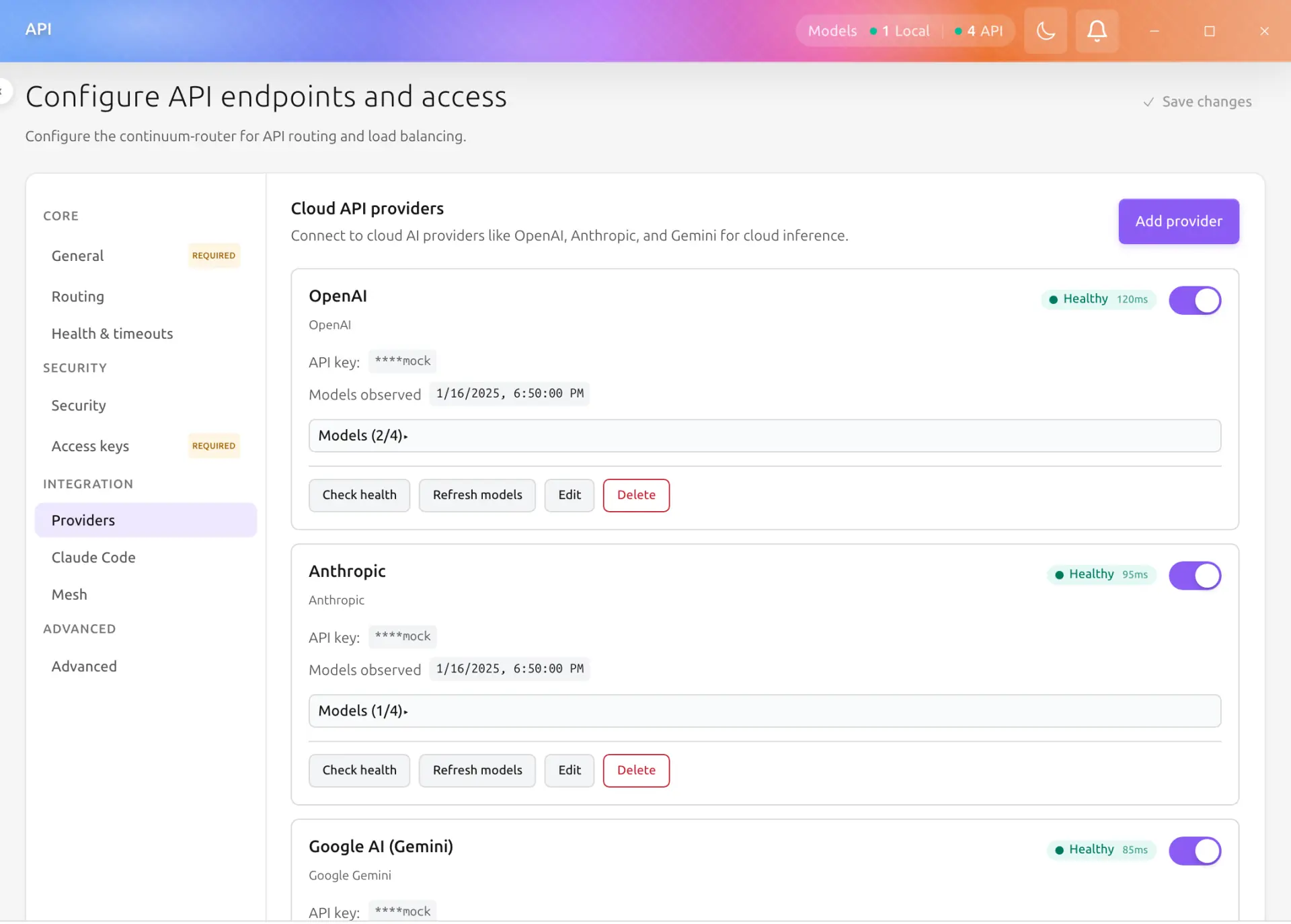
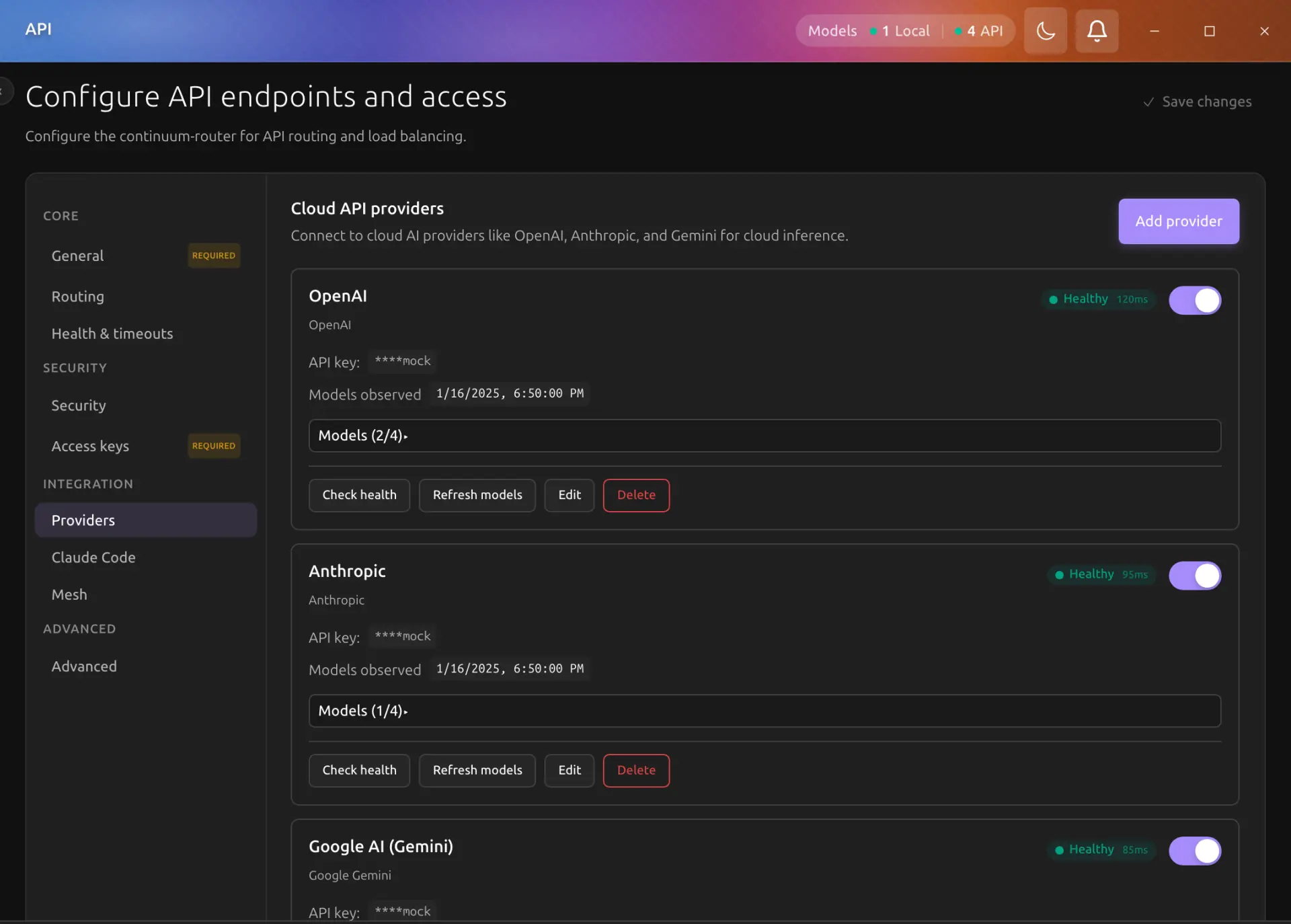
Configure providers from Settings > Providers. The model picker labels each cloud model with its provider after the provider is enabled and its models are selected.
Why Integrate Cloud APIs?
-
Hybrid Workflow: Handle sensitive data locally with Llama 4, but switch to GPT-5.4 or Claude Opus 4.8 for complex reasoning tasks.
-
Unified Interface: Chat with all your models—local or cloud—in one place. No need to switch tabs or apps.
-
Tools & Agents: Cloud models can use Backend.AI GO's agent system and tools just like local models.
Supported Providers
Backend.AI GO supports a wide range of providers:
-
OpenAI: GPT-5.4, GPT-5.2, GPT-4o (legacy).
-
Anthropic: Claude Opus 4.8, Claude Sonnet 4.6, Claude Haiku 4.5.
-
Google Gemini: Gemini 1.5 Pro, Gemini 1.5 Flash.
-
OpenAI Compatible: Connect to Any service that speaks the OpenAI API dialect (Ollama, LocalAI, DeepSeek, Groq, etc.).
-
Remote vLLM: Connect to your own high-performance inference server.
Adding a Model by Its ID
A provider's model list is what Backend.AI GO discovers from it, and some providers list less than they serve. An Anthropic key, for one, shows only a short built-in list, so a current Claude model has to be added by hand. To add one, open the provider's model list on its card in Settings > Providers, type the model ID (for example claude-opus-4-5) in Add a model by ID, and click Add.
Before saving, Backend.AI GO sends the provider a one-token request for that ID:
-
The provider serves it: the model is added, selected for chat, and marked added in the list.
-
The provider answers that it does not serve it (HTTP 404, or the provider's own "model not found" error): nothing is saved, and the reason shows under the field.
-
No usable answer (the provider cannot be reached, is rate-limited, answers with a server error, rejects the API key, or cannot be checked from here, as with Azure OpenAI and air-gapped mode): the model is added anyway, and a note under the field says it was added without a check. If the ID is wrong, the first chat with it fails, and you can remove it.
A model added by ID stays when the provider's models are refreshed, and it reaches the router like a discovered model, so the router serves it to chat and to the API server. To remove it, click the × beside it and confirm. The setup wizard's model step has the same field; the models you add there are checked when you click Finish Setup, and any the provider does not serve are listed on the last step.
Providers that sign in with a ChatGPT account do not take models by ID: with no selection they already offer every model the account can use.
Moving a Provider to Another Address
A provider you point at a server (vLLM, Ollama, LM Studio, a custom OpenAI-compatible endpoint, and the other self-hosted types) keeps its address in Base URL. To move it, click Edit on its card, change Base URL, and save. From the command line, aigo provider update <id> --base-url <url> does the same.
The provider keeps its ID, so the default models, agents, and squads that use it keep working. Its model list belongs to the old server, so it is cleared and read again from the new one, the same way it is read when a provider is added: a server with one model has that model selected, and a server with several has none selected, which offers every one of them. Models you added by ID stay. The router restarts so it sends requests to the new address.
For OpenAI, Anthropic, and Gemini, --base-url sets a proxy address in front of the provider's own API, and an empty value removes it.
Removing a Provider
Removing a provider also updates everything that named it: the defaults in Settings > Models, the model chosen for each agent, and the model chosen for each squad agent. Each keeps its model. When exactly one other enabled provider has the same model selected, the setting moves to that provider. Otherwise it keeps only the model name, and whichever provider serves that model answers it. Adding the same server again after a removal therefore needs no further changes.
If a chat is open on a model whose provider was removed, the chat says that the provider was removed and waits for you to choose another model.
The Same Model on Two Providers
Nothing stops two providers from offering the same model. You might reach GPT-5.4 through OpenAI directly and through an OpenAI-compatible gateway, and select it on both.
When that happens the model picker shows one row per provider, each labelled with its provider badge, so both stay selectable. Picking either one sends the request to the same model name, and the router decides which of the two providers actually serves it. Choosing the second row does not yet pin the request to the second provider, so treat the two rows as one model you have configured twice rather than as a routing choice.
Security
Your API keys are stored securely in your operating system's native keychain (macOS Keychain, Windows Credential Manager). Backend.AI GO communicates directly with the provider's API; your keys and data are never sent to Lablup servers.