Data Wiki
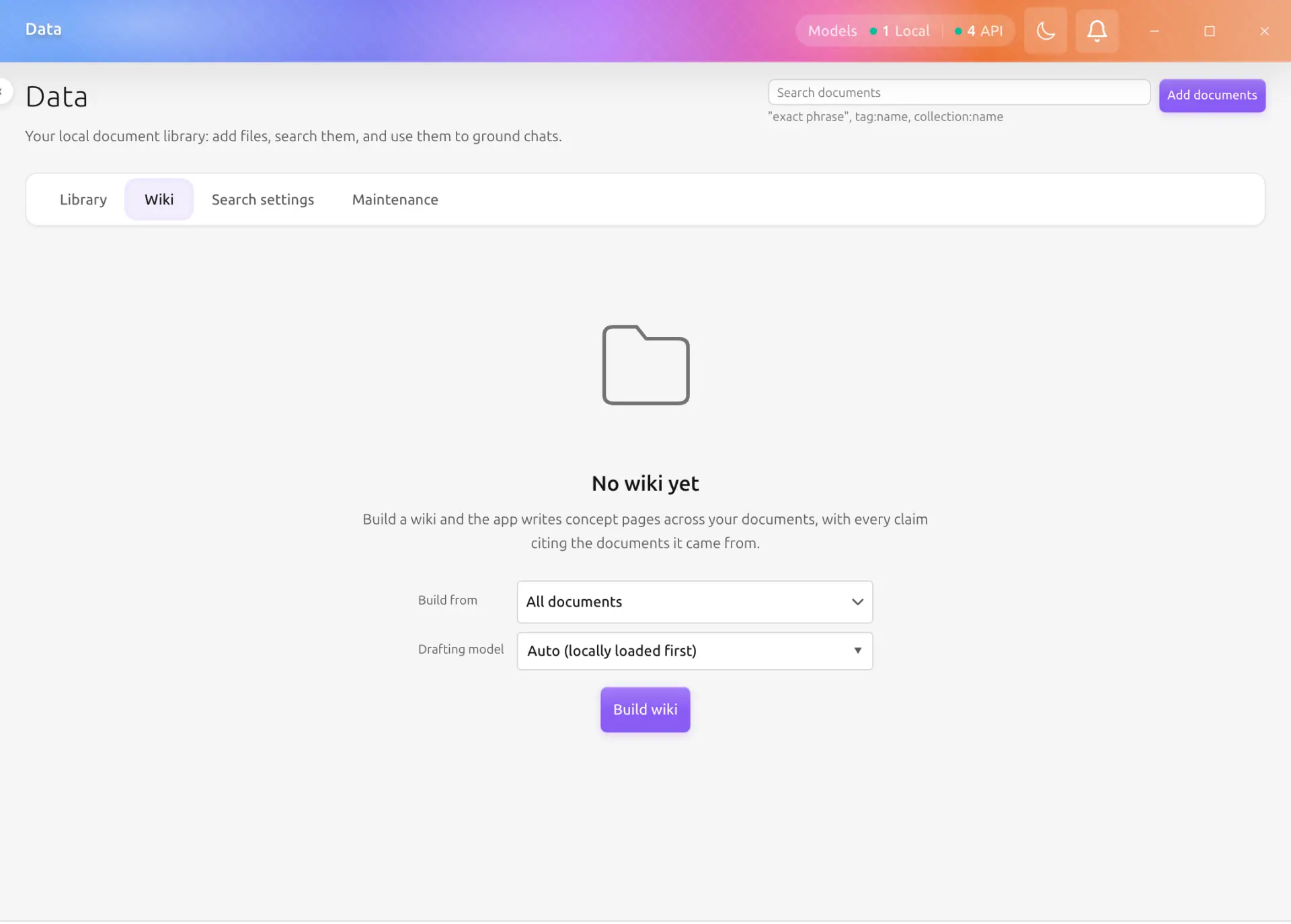
The Wiki tab on the Data page holds pages the app writes for you. Point it at your library and it produces an index, an overview, and a page per concept or named thing it finds across your documents. Every claim on those pages carries a citation back to the documents it came from, so a page is a way into your library rather than a replacement for it.
The point is compounding. A search re-reads your documents from scratch every time you ask; a wiki page is written once and then maintained, so what the app has already worked out about your corpus stays worked out.
Availability
The Wiki lives inside the generally available Data Hub in Backend.AI GO v1.12.0 and later. See Data Hub for the page-level policy controls. Everything below assumes you already have documents in the library and a model available for building or rewriting pages. Reading an existing wiki page still works without a model.
What a wiki page is
A wiki page is an ordinary document with its own handle (D42), stored beside the ones you added. That is not an implementation detail you can ignore: it is why a page is searchable, why it can be cited, why it has a revision history, and why a chat answer can be grounded on it.
Two things separate a wiki page from a document you added:
- It does not appear in the Documents list. Generated pages are the pipeline's work, not items you filed, so they stay in the Wiki tab. Search still finds them, and grounding still uses them.
- You do not edit its body. The pipeline owns the text. If a page is wrong or incomplete, the thing to fix is the source document it was written from: add a note to that document's card, and the next rewrite picks it up.
There are four kinds of page:
| Kind | What it is for |
|---|---|
| Index | The catalog. One per wiki, listing every other page |
| Overview | One synthesis across the whole scope you built |
| Concept | A single idea, explained from every document that touches it |
| Entity | A person, product, or organization your documents keep naming |
Building a wiki
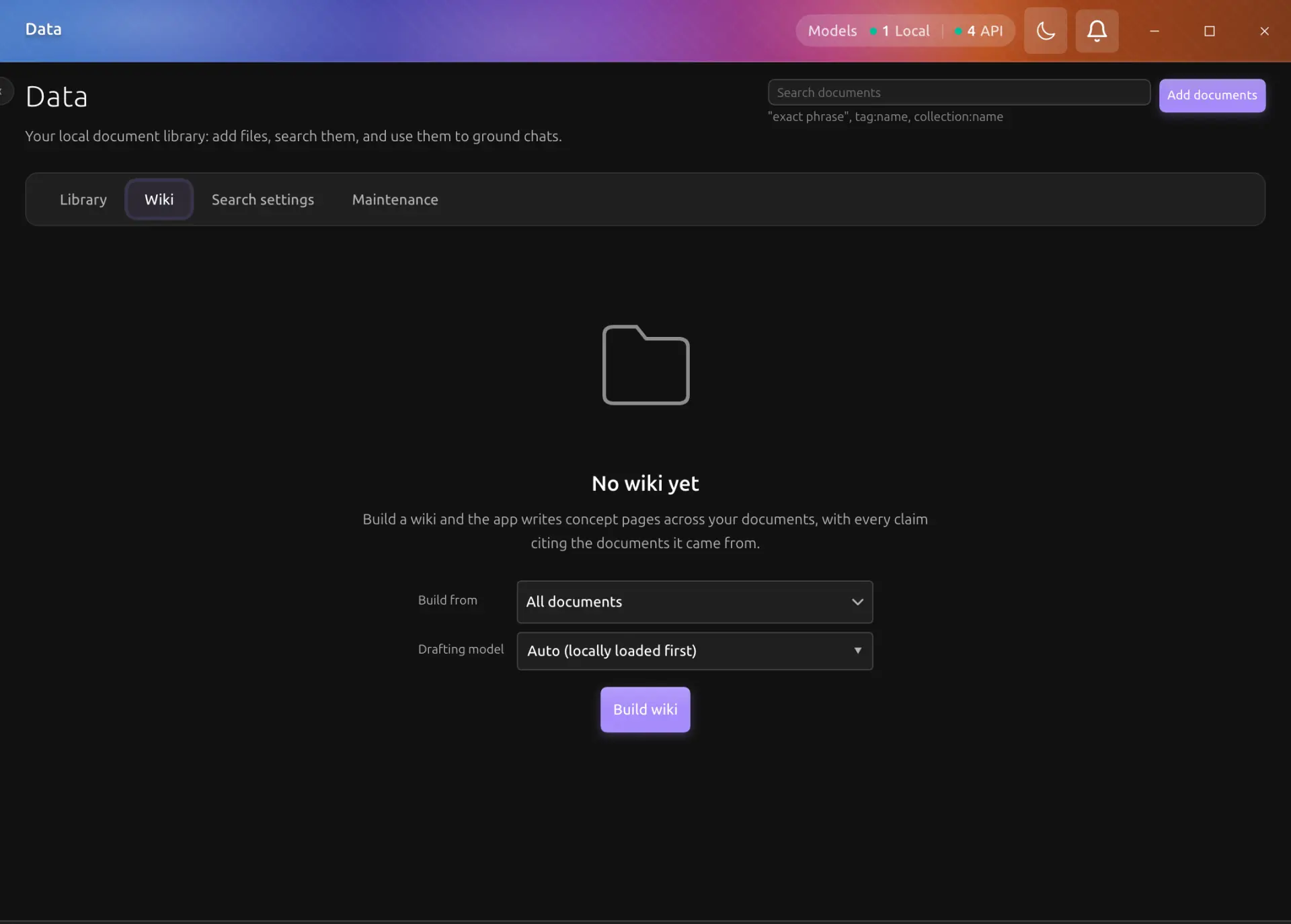
An empty Wiki tab offers one action. Pick what to build from, then press Build wiki:
- All documents builds across the whole library. Sensitive collections are left out, the same way an unscoped search leaves them out.
- A single collection builds only from that collection. Naming a sensitive collection here is allowed, because you named it; the pages it produces are filed in that same collection and stay behind the same boundary as their sources.
The build runs in the background and reports itself in the same progress strip that conversions use, labelled as a wiki job. A run is bounded: it writes up to eighty pages, largest topics first. When it finds more topics than fit, its note in the progress strip says how many are still waiting, and the tab header offers a Continue button with that count. Each Continue run writes the next batch of unwritten topics without touching any existing page, so pressing it until the count reaches zero covers the whole library, however large. A very large library has one more bound: a single run scans up to 20,000 documents. When the library is bigger than that, the tab shows a partial-coverage notice, because documents beyond the scan limit cannot appear in the wiki at all.
Nothing happens without a model. Drafting a page is a model call, so with no model running the build button is disabled and says so. This is the one thing the Wiki tab loses on a machine with no model available; reading an existing wiki always works.
Reading a wiki
The left rail lists every page, grouped as Overview (the index and the overview), then Concepts, then Entities, with a filter box for finding one by title or handle. The Index page is listed like any other page and is worth opening: it is the wiki's own catalog, written by the pipeline rather than assembled by the rail.
The page itself opens in the middle. Citations inside the prose are links:
- A citation to another wiki page opens that page in the tab. That is what reading a wiki is.
- A citation to one of your own documents opens the Data Hub's detail drawer, where you can read the card, the converted body, and the revision history. From there you are back in the library.
- A citation that resolves to nothing at all is shown in muted text rather than as a link. It is reported, not hidden: a page that quietly drops a reference hides the very thing you should be suspicious of.
Under the title, a line says how many sources the page was written from, by which model, and when.
The panel beside the page
The right-hand panel is what the page is made of:
- Sources. The documents the page cites, each one clickable. A source that changed after the page was written is marked.
- Referenced by. How many wiki pages cite this one, and, on request, which. The count is always shown; the names are resolved when you ask for them, because reading every page to answer a question you did not ask is work nobody wanted.
- Provenance. The page kind, when it was written, and by which model.
- Rewrite this page. Redrafts this one page from its current citations.
Keeping it current
Documents change after a page is written about them. The wiki says so rather than going quietly stale.
| Signal | What it means |
|---|---|
| A dot beside a page in the rail | At least one document this page cites has changed since the page was written |
| The Out of date badge in the panel | The same thing, with the changed sources named |
Two actions fix it, and they are different sizes:
- Rewrite this page redrafts a single page. This is what a stale badge asks for.
- Update wiki is incremental. It looks at the documents added or changed since the last run, refreshes the pages that cite them wherever they sit, including pages a Continue run wrote, writes pages for anything new that clusters into a topic of its own, and regenerates the index. It does not touch pages nothing changed under. When more pages are affected than fit in one run, the remainder is reported and the next Update picks it up.
- Continue appears while planned topics remain unwritten. It only adds pages, never rewrites one, so it is the action for working through a large library batch by batch.
- Rebuild writes every page again from scratch. It asks first, because it is a much larger action than the Update beside it. Nothing is lost: the previous text of each page stays in that page's revision history.
If a rewrite is in flight and you edit the page's underlying document at the same time, your version wins and the draft is dropped. The tab says so rather than silently keeping one of the two.
When a run does not produce a page
Three outcomes are reported rather than treated as failures:
- No model is available. The run stops immediately and writes nothing.
- Nothing citable came back. A page whose claims cannot be traced to the documents it was given is refused rather than written. Synthesis nobody can check is worse than no page at all, so this is deliberate.
- The page moved while it was being written. The newer version is kept.
A failed run can be retried from the progress strip, which re-runs exactly the operation that failed. Failures from this session also show guidance above the wiki and a Retry failed operation button. Retry preserves the original model, language, collection scope, and page target; to change those choices, start a new operation. Retrying a rebuild asks for confirmation again. Technical details reveals the original error without replacing the existing wiki.
If only the wiki status could not be loaded, Reload status fetches it again without starting generation. A configured local drafting model starts automatically when needed; a stopped model alone does not require manual loading.
The wiki in search and chat
Wiki pages take part in the rest of the Data Hub without any extra setup:
- Search finds them alongside your documents. Finding a concept page by searching for the concept is the point.
- Grounding can quote them in a chat answer, and the Sources row links back to the page the same way it links back to a document.
- Agent tools treat them as read-only.
list_datadoes not list them, matching the Documents list, andwrite_dataanddelete_datarefuse them outright: the pipeline owns these pages, so a model cannot rewrite its own reference material.
What stays on your machine
Everything the Data Hub already keeps local stays local here. A wiki page is written by whatever model your app is running, which on a local model means the drafting never leaves the machine at all; with a cloud provider configured, the source excerpts a page is drafted from go to that provider like any other prompt. Nothing else about the wiki is transmitted, and the pages themselves are stored beside your documents.