Runs
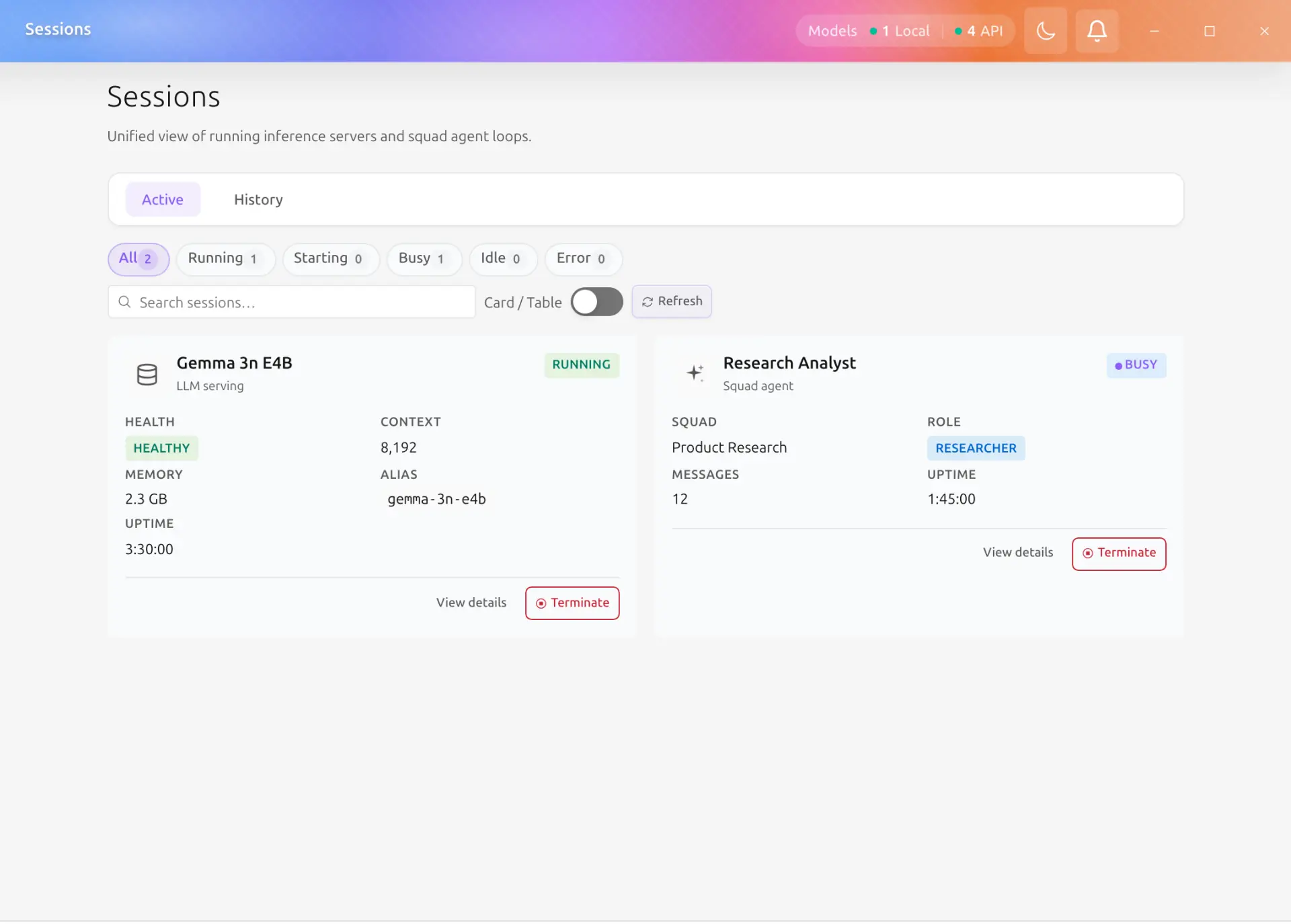
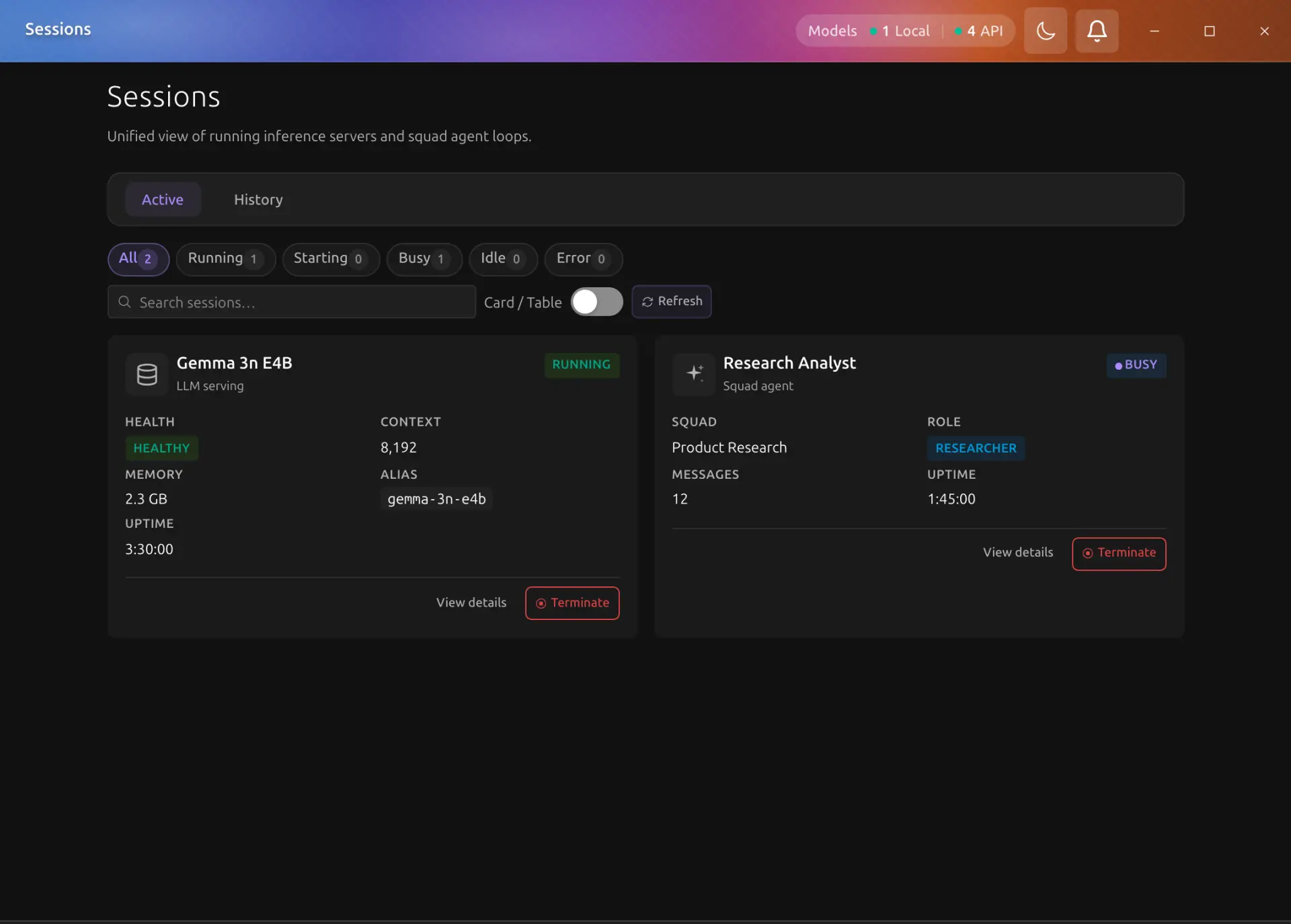
The Runs page (sidebar > 시스템 > 실행 관리 in the Korean UI, Runs in the system group) is a unified view of everything currently running in Backend.AI GO: the local inference servers behind your running models, and Squad agent loops. The Models tab manages model files on disk; Runs shows their live runtime state.
Session Kinds
| Kind | Created when | Details shown |
|---|---|---|
| Model | You run a model | Engine, port, context length, memory usage, alias |
| Squad agent | A Squad agent loop starts | Squad, role, message count, last active |
Running Tab
The Running tab lists every running session with a live count, a refresh button, a state filter (All, Running, Starting, Busy, Idle, Error), and a search box.
Each session carries a state badge: Starting, Running, Idle, Busy, Stopping, Terminated, or Error. The Uptime value ticks up live while the session runs.
Card and Table Views
A toggle in the toolbar switches between card and table layouts. The table shows one row per session with columns for model/session name, status, engine, port, context, memory, uptime, and last active. Columns are sortable; sorting by uptime surfaces the longest-running sessions first.
Stopping a Session
Click Stop on a session card (or row) to stop it. A confirmation dialog warns that active requests will fail and that the process shuts down immediately, and notes that starting the model again can take from tens of seconds to a few minutes. Stopping a Model session stops its inference server, which is the same as stopping the model.
Stopping is worded the same way everywhere the app offers it (the model picker, the model cards, the command palette, the dashboard card, and this page), and every one of them asks once before stopping the model server. Cancelling an agent answer while it streams is not a server stop and needs no confirmation.
Past Runs Tab
The Past runs tab lists past sessions with their kind, duration, end time, and error (if the session ended abnormally). You can filter by kind (Model / Squad agent), delete individual entries, and load older entries in pages.
Related Pages
- Running Models: running models and the header status pill.
- Squad Planning & Execution: what Squad agents do while their session is active.