Agent Extensions
The Agent Extensions page corresponds to the /agent-extension sidebar destination. It is the place to manage agent-oriented extensions, not just community profiles.
What the page includes
The top-level tabs are:
- All
- Built-in
- Custom
- Community
- Squad Templates
- Skills
- Claude Code Plugins
The shared search box adapts to the selected tab.
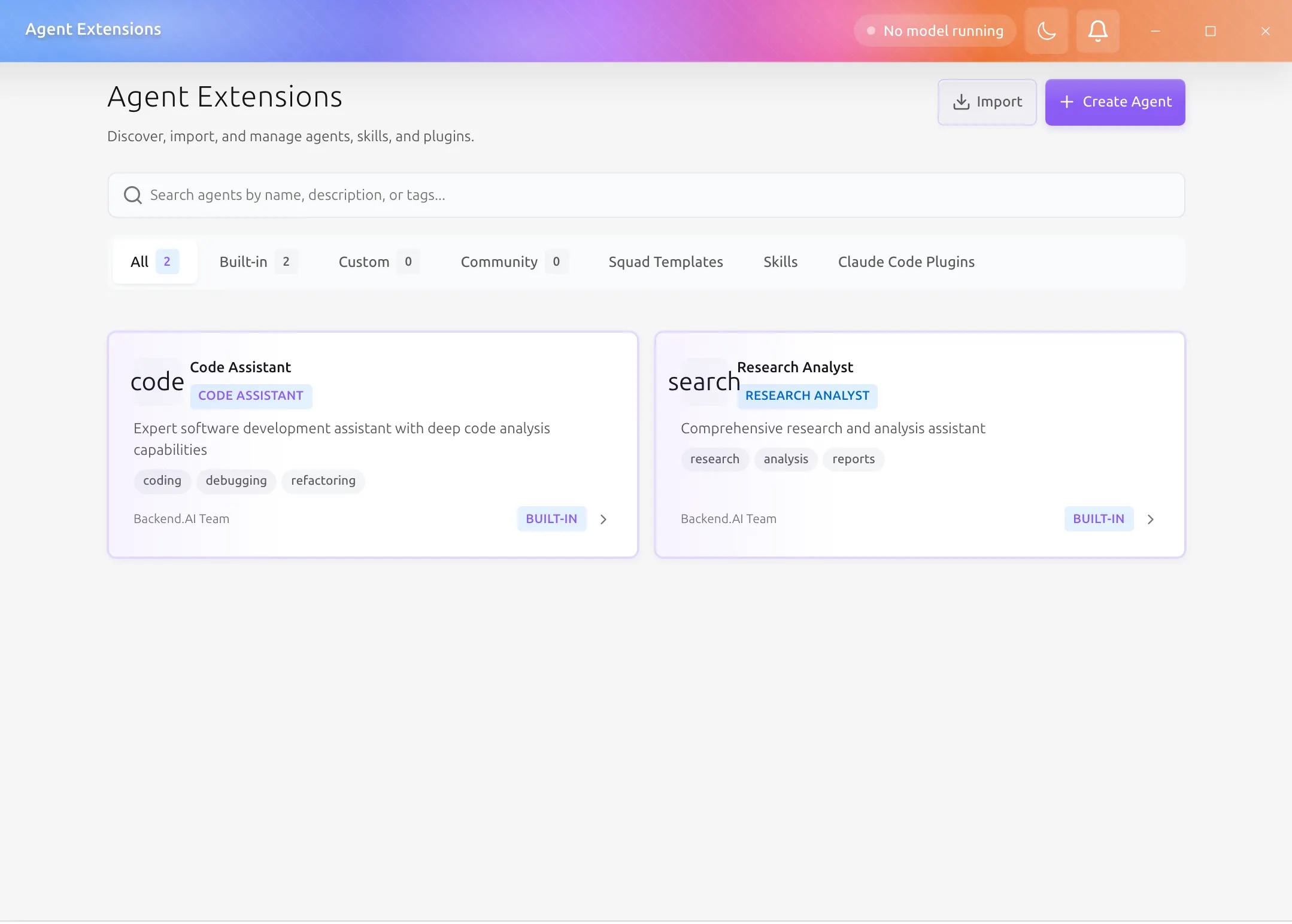
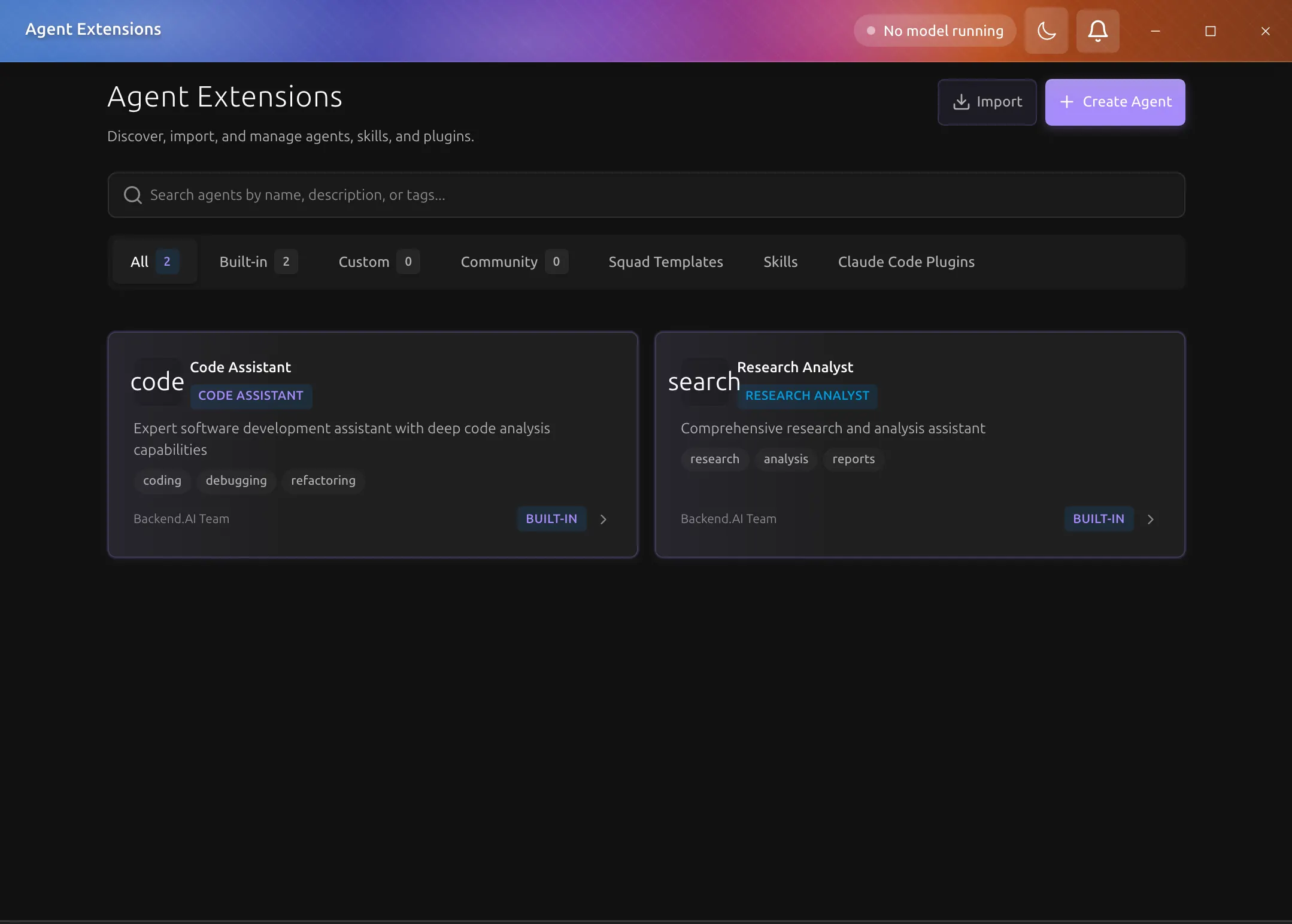
Agent-profile tabs
All
Shows every locally available agent profile.
Built-in
Shows bundled profiles that ship with the application.
Custom
Shows profiles you created, imported, duplicated, or edited locally.
Community
Shows registry-backed profiles from enabled sources.
Squad Templates tab
The Squad Templates tab is a separate catalog view. It is not the same thing as the profile-category tabs.
Use it to:
- browse template catalogs
- inspect template metadata
- install templates into the local environment
Skills tab
The Skills tab lists installed extension skills.
Use it to:
- review installed skills
- inspect skill metadata
- import or export skill bundles
- understand what a skill adds before invocation
Plugins tab
The Claude Code Plugins tab lists installed Claude Code plugins and what each one added.
To add a plugin, choose Import plugin and pick its source:
- Directory: a Claude Code plugin directory, which has a
.claude-plugin/plugin.jsonfile - Archive: a
.zipof a plugin directory, chosen with the file picker - URL: the
httpsaddress of such a.zip
The plugin's skills, commands, agents, and MCP servers are added. Hooks and output styles are not supported, so when a plugin has them the import result says how many were not added. When an import is refused, for example because the file is too large or the directory is not a plugin, the dialog says why.
Create, edit, import, and export
From the Agent Extensions page you can:
- create a new custom agent profile
- edit an existing custom profile
- duplicate a profile as a starting point
- import or export profile definitions
Registry sources
Registry sources for community profiles and squad templates are configured in Settings > Agent Registry.