Squad Overview
Squad lets you create a team of AI agents that work together on complex tasks. A planner agent breaks your request into subtasks, assigns them to specialized agents, and coordinates execution in dependency-respecting waves — all within a shared workspace.
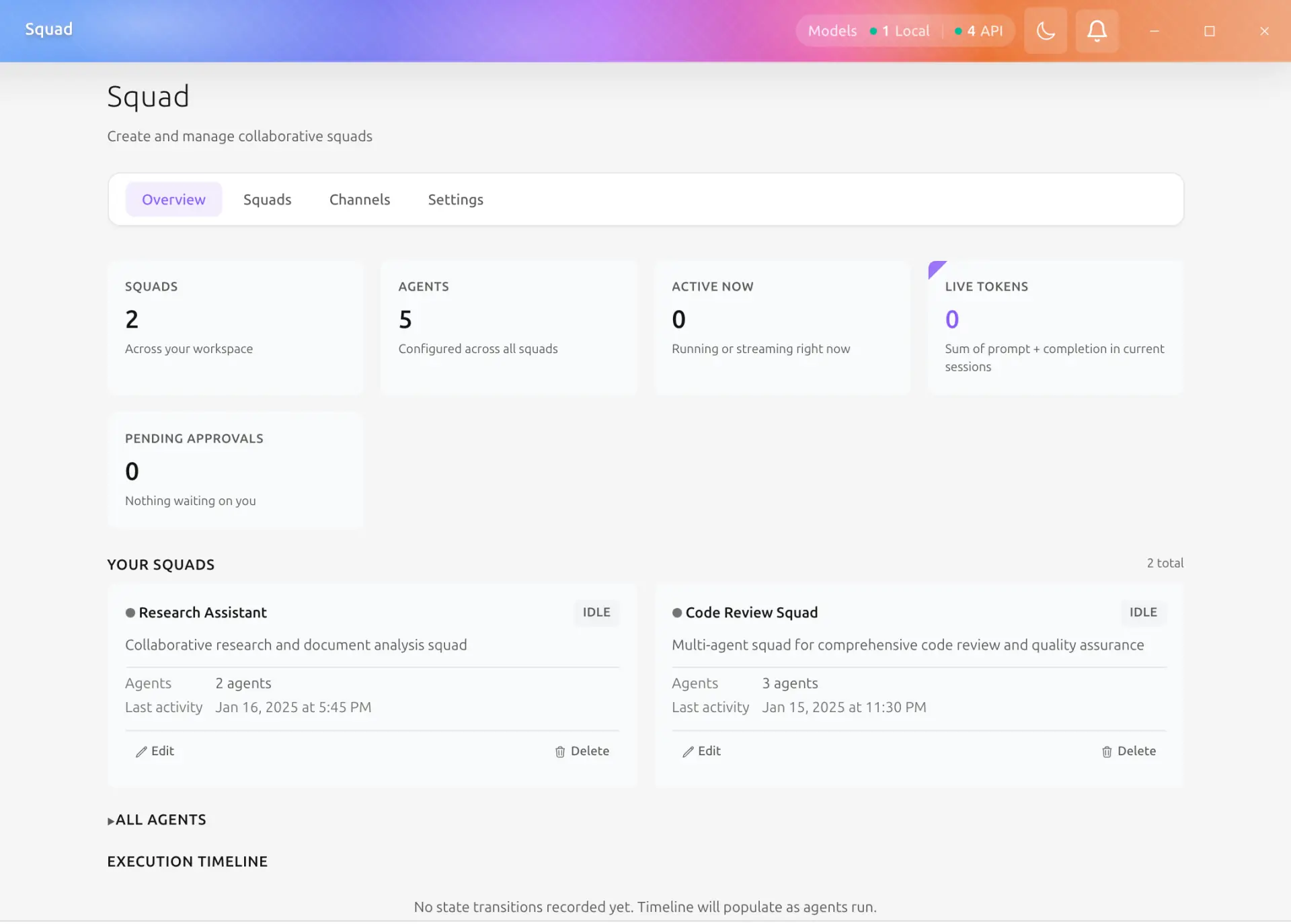
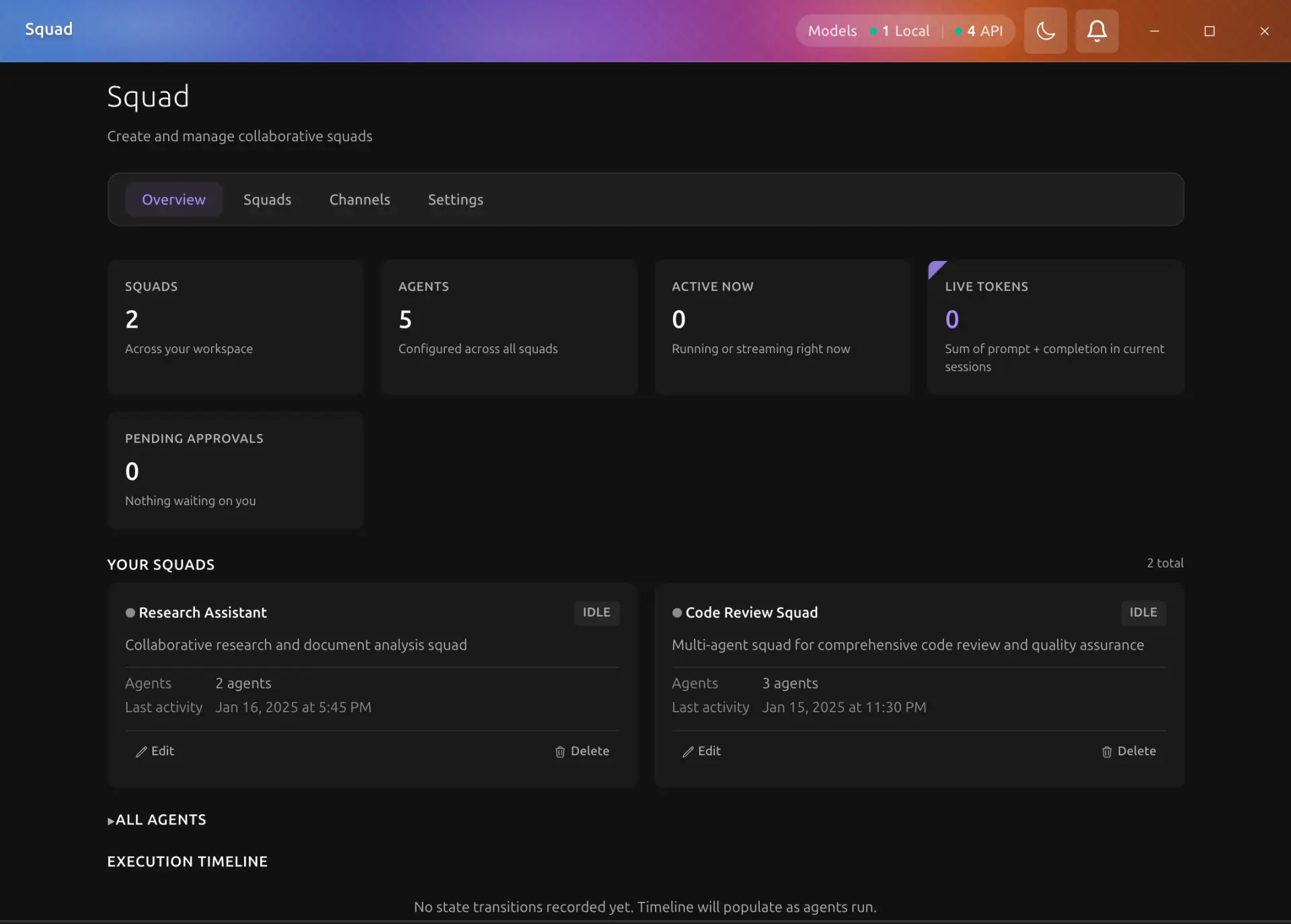
What is a Squad?
A Squad is a self-contained workspace where multiple AI agents collaborate:
flowchart TD
    U[User Request] --> P[Planner Agent]
    P --> T1[Task 1: Frontend]
    P --> T2[Task 2: Backend]
    P --> T3[Task 3: Review]
    T1 --> D1[Developer Agent]
    T2 --> D2[Developer Agent]
    T1 -.->|depends on| T3
    T2 -.->|depends on| T3
    T3 --> R[Reviewer Agent]
    R --> F[Final Result]
Each Squad includes:
- Agents — specialized AI agents with distinct roles, system prompts, and tool access
- Workspace — a dedicated directory where agents read and write files
- Memory — per-agent markdown memory files for context retention across tasks
- Plan — a structured task graph with dependencies and priorities
- Budget — token and execution limits that prevent runaway costs
How it Works
1. Create a Squad
Start from a template (Full-Stack Dev Team, Content Team, Research Team, etc.) or build a squad from scratch. Assign a workspace directory and configure each agent's role, system prompt, and tools.
2. Submit a Request
Describe your goal in plain language, for example: "Implement a user authentication module with login, registration, and password reset."
3. Planning
The designated planner agent analyzes your request and generates a structured plan:
- Breaks the work into discrete tasks
- Assigns each task to the most suitable agent
- Defines task dependencies (which tasks must finish before others can start)
- Sets priorities (low, medium, high, critical)
4. Approval
Review the plan before execution begins. You can approve, modify, or reject the plan. For recurring workflows, enable auto-approve to skip this step.
5. Wave Execution
Tasks execute in waves — groups of tasks whose dependencies are all satisfied:
| Wave | Tasks | Description |
|---|---|---|
| Wave 1 | Tasks with no dependencies | Run in parallel |
| Wave 2 | Tasks depending on Wave 1 | Start after Wave 1 completes |
| Wave 3 | Tasks depending on Wave 2 | Start after Wave 2 completes |
Each wave runs its tasks concurrently, maximizing parallelism while respecting the dependency order.
6. Aggregation
After all tasks complete, results are collected and synthesized into a final deliverable.
Key Benefits
-
Specialization — Each agent focuses on what it does best (planning, coding, reviewing, writing).
-
Parallelism — Independent tasks run simultaneously, reducing total execution time.
-
Transparency — Real-time monitoring shows exactly what each agent is doing and how many tokens are consumed.
-
Safety — Budget controls prevent token overuse, and emergency stops halt execution instantly.
-
Persistence — Workspaces, plans, and execution history are saved for review and reuse.
Squad vs Cowork
| Feature | Cowork | Squad |
|---|---|---|
| Agents | Single agent (with optional sub-agents) | Multiple named agents with distinct roles |
| Planning | Implicit (agent decides steps) | Explicit plan with task graph and dependencies |
| Workspace | Folder permissions on existing directories | Dedicated workspace per squad |
| Memory | Shared memory | Per-agent memory with cross-agent search |
| Budget | Per-session token tracking | Granular limits (per agent, per task, total) |
| Best for | Ad-hoc tasks, exploration | Large-scale, multi-step, collaborative work |
When to Use Squad
Use Squad when your task naturally decomposes into subtasks that benefit from different specializations — for example, a project that needs a planner, multiple developers, and a reviewer working in parallel.