Audit Log
The Audit Log page corresponds to the /connector-audit route.
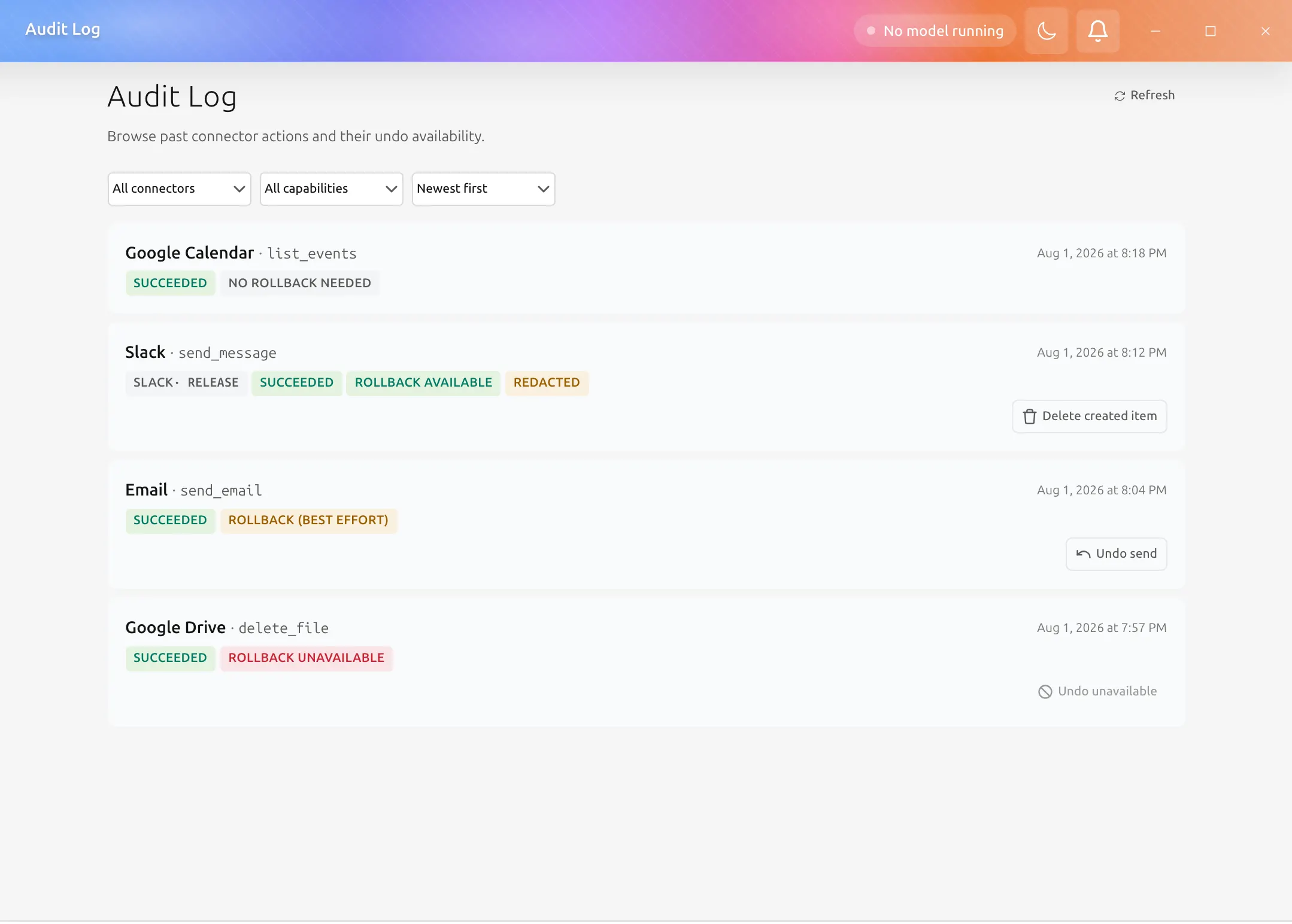
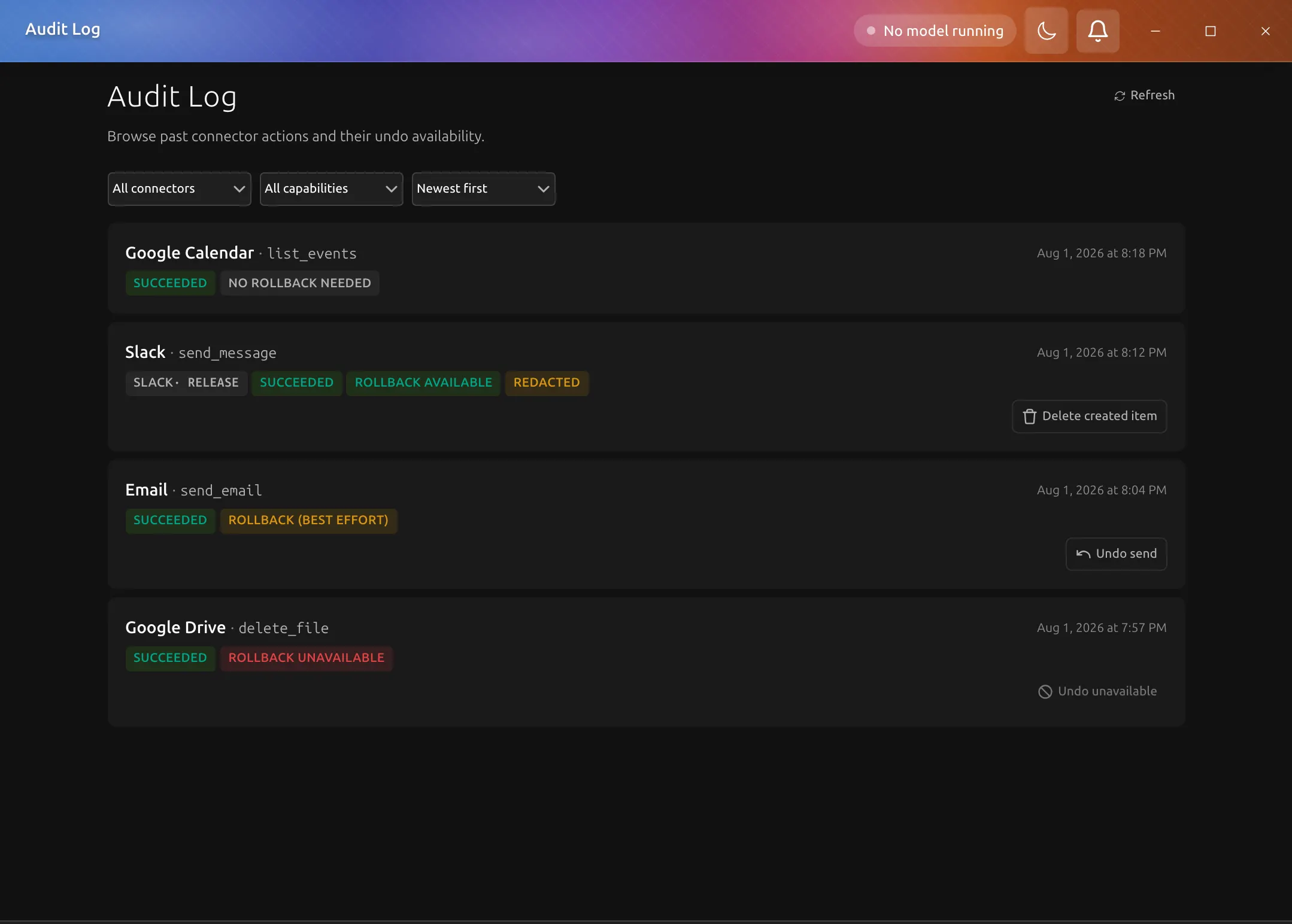
It lists what the application recorded in two tabs. Connector actions are calls to connectors such as Email or Slack, each with its undo state. Tool executions are tool runs: which tool ran, where the call came from, how long it took, and how it ended.
Filtering the list
Each tab's toolbar holds its filters. Connector actions filter by connector, capability (read, write, or destructive), and period. Tool executions filter by tool, source (agent, desktop app, REST API, or MCP endpoint), result (success, failure, or denied), and period. The period picker offers today, the last 7 days, the last 30 days, all time, or a custom range of days chosen on a calendar. The connector and tool lists keep every name the page has listed so far, so choosing one does not hide the others.
A run filter appears as a chip in the toolbar after you choose Filter by this run in an opened entry. It applies to both tabs, so switching tabs shows what the same run did there. A run's detail in the run history has an Audit log link that opens this page on the run's tool executions with the filter already set, and the filter is part of the page's address, so a reload keeps it. Click the chip to remove it. Clear resets every filter in the toolbar, the run included.
The list header shows how many entries are listed, and its sort icon orders them newest first or oldest first. Connector actions load 50 at a time, with Load more under the list. Tool executions show the newest 200 matching executions; when more match, the header says it is showing the newest 200, and oldest first orders those 200.
Reading a row
A row's first line says what ran and when: the connector and operation, or the tool with its source, its run, and how long it took. A second line appears only for what differs from a normal, successful action, such as a failed or denied result (with the error for a tool execution), an undo that is best effort or unavailable, redacted fields, or a channel target. A connector action that can be undone has its undo button on that line, named for what undoing does, for example Delete created item.
Entry detail
Click an entry to open it: its card expands in place, with the detail below the row, and the rest of the list stays where it was. Click the row again to close it. One entry is open at a time, so opening another closes the first.
For a connector action the detail shows the identity fields (entry id, capability, run, and approval), the parameters with redacted values masked, the undo state, and the rollback verdict. For a tool execution it shows the result, any error, the duration, the run and call ids, and the arguments the backend kept after redaction. Undoing a connector action stays on its row in the list, where the outcome of the request is shown; a rejected undo shows the recorded failure mode there.
When an entry belongs to an agent run, its detail offers Filter by this run, which sets the run filter described above and closes the entry.
Exporting entries
Export in the page header opens a menu of formats, CSV and JSON, and exports the tab that is showing. It is disabled while the list is empty. If an export fails, a banner above the tabs says why, and the list stays as it was. Refresh beside it reloads the tab that is showing.
Connector actions export every entry matching the connector, capability, run, and period filters, not just the rows loaded on screen. The sort icon does not apply: exported rows are in the order they were recorded, oldest first. JSON export contains the full entry records. CSV export is a flattened summary with these columns: id, occurredAt, connectorName, operationId, capability, agentRunId, approvalId, correlationId, outcome, verdict. Parameters, undo state, and redaction metadata are available in the JSON export only.
A single connector export covers at most 25,000 entries. If your filters match more than that, the export fails with a message asking you to narrow it rather than downloading a partial file, because an audit export that quietly drops rows is worse than one that refuses. Narrow the connector, capability, run, or period filters and try again. The default retention policy keeps 10,000 entries, so this only comes up on installations that have widened retention or preserved a large number of entries. The file is named connector-audit-export-<timestamp>.csv or .json.
Tool executions export every execution matching the tool, source, result, run, and period filters, not just the newest 200 the tab lists. As with connector actions, the sort icon does not apply and exported rows are oldest first. JSON export contains the full records as stored. CSV export has these columns: id, occurredAt, toolName, origin, outcome, durationMs, runId, callId, error, arguments (the redacted arguments as JSON), and redactedFields (paths separated by semicolons). Arguments and errors were redacted when each execution was recorded, so the file holds the same redacted values the page shows.
A single tool execution export covers at most 25,000 executions, and above that it fails with a message asking you to narrow it, the same way the connector export does. Tool executions are kept for 30 days rather than up to a fixed number of entries, so a busy installation can record more than that within the window. In that case, export a shorter period at a time, or narrow by tool, source, result, or run. The file is named tool-execution-audit-export-<timestamp>.csv or .json.
In both CSV exports, a value a spreadsheet would read as a formula (one starting with =, +, -, or @) is prefixed with an apostrophe. Exported audit data leaves the application's redaction boundary, so handle it with the same care as the audit log itself.
Why this page matters
Use Audit Log when you need to:
- review what a connector did
- confirm whether an action can be undone
- see which tools an agent run called, and which were denied
- inspect approval-linked activity
- debug connector-based workflows without reading raw logs first